
Blog
Service Manuals vs. Owner’s Manuals vs. Parts Manuals (Catalogs): What’s the Difference and Which Do You Need?


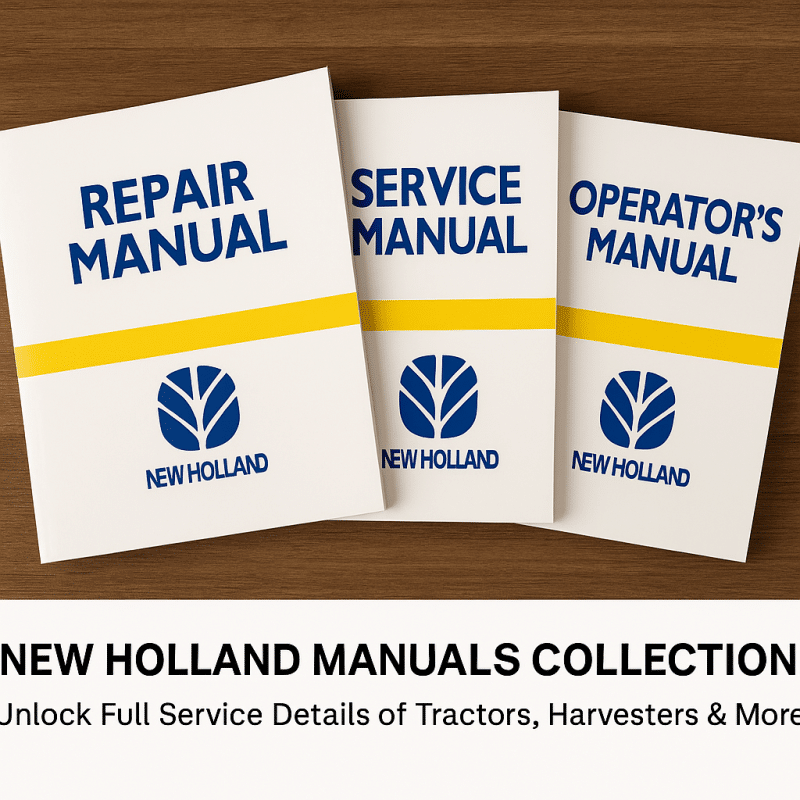
If you work on heavy equipment, tractors, trucks, or industrial machines, the right documentation is as important as the right tools. Yet many buyers confuse service manuals, owner’s manuals, and parts manuals/parts catalogs. This guide explains the differences, when to use each, and how to find accurate documents fast—plus direct links to trusted sources.
Quick Definitions
Owner’s Manual (User/Operator Manual)
The basics for day-to-day use and care: controls, safety, fluid types, capacities, service intervals, and basic troubleshooting. Ideal for operators and new owners.
Service Manual (Workshop/Repair Manual)
The professional, step-by-step reference for maintenance and repairs. Includes specs, torque values, wiring diagrams, hydraulic schematics, test procedures, diagnostic flows, and removal/installation instructions.
Parts Manual (Parts Catalog/IPC)
An illustrated catalog of every replaceable component. You’ll find exploded views, part numbers, supersessions, and assemblies—vital for ordering the exact parts and understanding how systems fit together.
When to Use Which
-
Routine ownership & safety: Owner’s Manual
-
Scheduled maintenance or repairs: Service Manual
-
Ordering or verifying components: Parts Manual / Parts Catalog
-
Complex jobs (e.g., injector replacement, clutch overhaul, ECU wiring): Service Manual + Parts Catalog together
👉 Need manuals now? Get instant downloads at Manuals-Express: https://manuals-express.com/
👉 Prefer browsing by brand/equipment family? See The-Best-Manuals-Online: https://the-best-manuals-online.com/
Why Pros Keep All Three
-
Accuracy & safety: Correct torque specs, lockout/tagout steps, and fluid data reduce risk and rework.
-
Faster diagnostics: Wiring diagrams and flowcharts cut guesswork and comebacks.
-
Zero part-number mistakes: Illustrated assemblies prevent ordering the wrong seal, o-ring, or harness.
-
Better documentation: Follow the OEM sequence and record completed procedures for warranty and audit trails.
How to Choose the Right Manual (Checklist)
-
Exact model identification
Use the full model and serial/VIN or PIN range. Many OEMs revise machines mid-series.
– Search by model/serial at Manuals-Express: https://manuals-express.com/ -
Coverage & revision date
Check if the manual matches your engine, transmission, axle, or control system variant. Later revisions often fix errors or add procedures.
– Browse updates and alternates at The-Best-Manuals-Online: https://the-best-manuals-online.com/ -
Scope
-
Owner’s: operating, safety, care.
-
Service: diagnostics, teardown/build, wiring/hydraulics.
-
Parts: exploded views, BOM, supersessions.
-
-
Format
PDF (searchable), interactive PC viewer, or printable sections. For shop floors, PDFs with bookmarks are ideal.
– Need software tools along with manuals (e.g., for ECU diagnostics)? See Diagsoft Solutions: https://diagsoft-solutions.com/ -
Support
Ensure the seller offers help if you grabbed the wrong serial range or need related volumes (Engine/Powertrain/Electrical).
– Quick support & instant delivery at Manuals-Express: https://manuals-express.com/
– Large multi-brand library at The-Best-Manuals-Online: https://the-best-manuals-online.com/
Pro Workflow: Parts Catalog + Service Manual + Diagnostics
Many modern repairs combine documentation and live data:
-
Use the parts manual to identify the exact injector/solenoid/harness revision.
-
Follow the service manual to perform removal/installation with proper torque and sequence.
-
Validate the repair with diagnostic software (regens, calibrations, parameter checks).
Need the diagnostic side too?
-
Multi-brand & OEM tools, preloaded laptops: Diagsoft Solutions — https://diagsoft-solutions.com/
-
Example: CNH EST + DPA5 kit for Case/New Holland:
https://diagsoft-solutions.com/product/new-holland-case-diagnostic-kit-2021-cnh-est-dpa-5-diesel-engine-electronic-service-tool-adapter-380002884-include-cnh-9-5-engineering-software/
Common Mistakes to Avoid
-
Wrong serial range: A small change in harness or ECU pinout can derail the job. Always verify the serial break.
-
Using an owner’s manual for repair: It’s not designed for teardown/build—grab the service manual.
-
Ordering parts from a photo: Use the illustrated parts catalog to confirm orientation, seals, and sub-assemblies.
-
Skipping wiring diagrams: For intermittent faults, the diagram is the map—don’t rely on color alone; check pin IDs and ground points.
FAQs
Do I need a parts manual if I already have a service manual?
Yes. Service manuals explain how to repair; parts catalogs specify exact part numbers and assemblies, which prevents ordering errors.
– Get both at Manuals-Express: https://manuals-express.com/
Are PDFs searchable and printable?
Yes—most downloads include bookmarks and searchable text for fast navigation. Print a section for greasy jobs, keep the master on a laptop or tablet.
– Explore formats at The-Best-Manuals-Online: https://the-best-manuals-online.com/
Can I pair manuals with diagnostic software?
Absolutely. Use manuals for procedure/wiring and software for codes, calibrations, and live data.
– Shop tools & preloaded laptops: Diagsoft Solutions — https://diagsoft-solutions.com/
Get the Right Manual Now
-
Owner’s Manuals, Service Manuals, Parts Catalogs (instant downloads):
Manuals-Express — https://manuals-express.com/ -
Large multi-brand catalog & categories (manuals + diagnostic software):
The-Best-Manuals-Online — https://the-best-manuals-online.com/ -
Diagnostics to complement your manuals (OEM & multi-brand kits):
Diagsoft Solutions — https://diagsoft-solutions.com/
Discover more from Manuals-Express
Subscribe to get the latest posts sent to your email.